Grid view
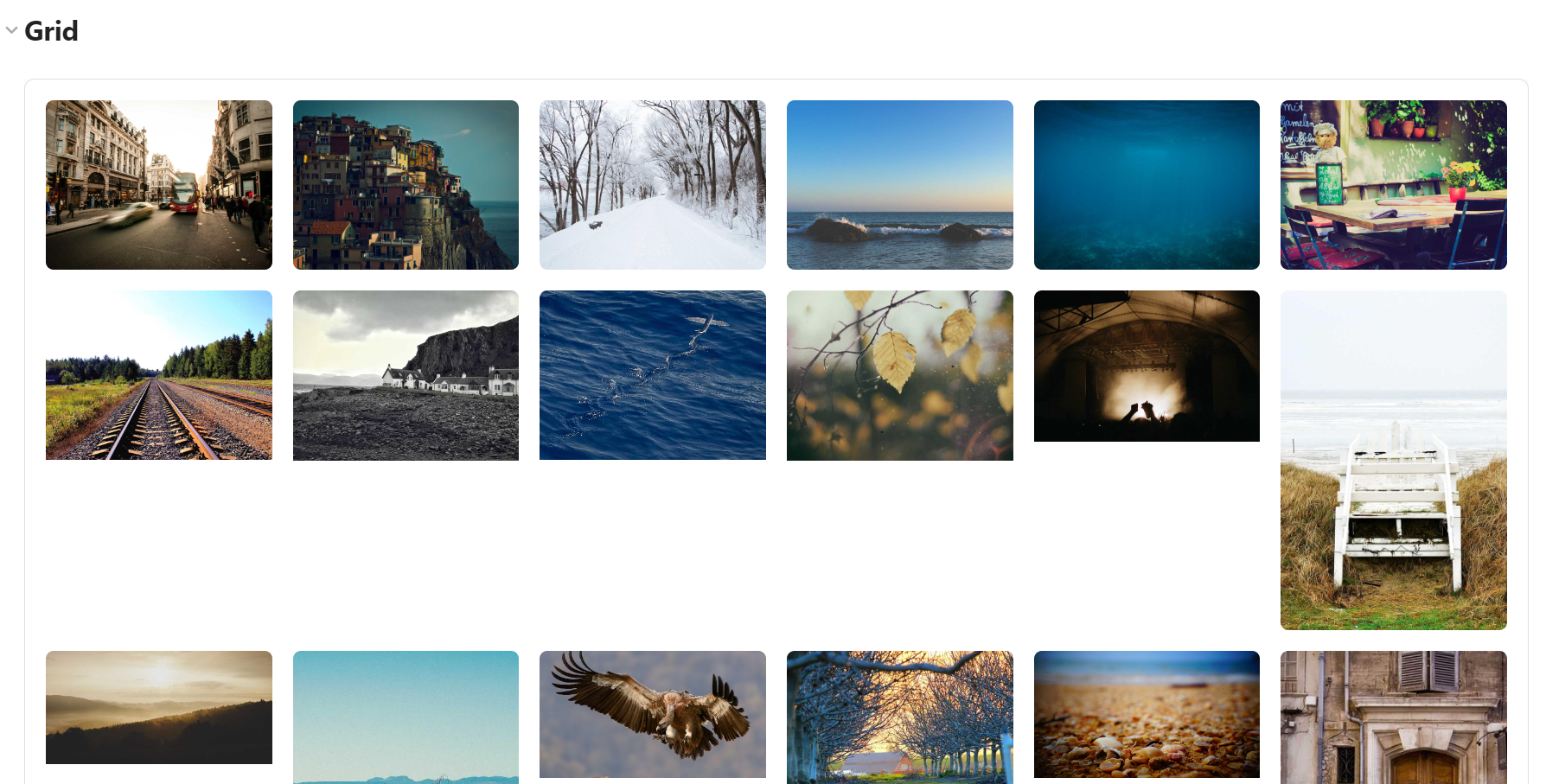
A masonry-style grid with variable image heights, similar to a Pinterest layout.
```obs-gallery
sources:
  - type: local
    path: Projects/WebDev
    recursive: true
view:
  type: grid
```
Pagination
For large collections, enable pagination to show a fixed number of images per page with Prev/Next controls instead of lazy-loading everything into one long scroll. This is especially useful when the gallery sits in the middle of a note and you don't want it to push the rest of the text far down the page.
```obs-gallery
sources:
  - type: local
    path: Photos/AllTrips
view:
  type: grid
  pagination: true
  itemsPerPage: 24
```
Pagination can also be turned on by default for every gallery via Settings → Gallery View → Pagination; the per-gallery pagination/itemsPerPage keys shown above override that default.