Baking Blocks
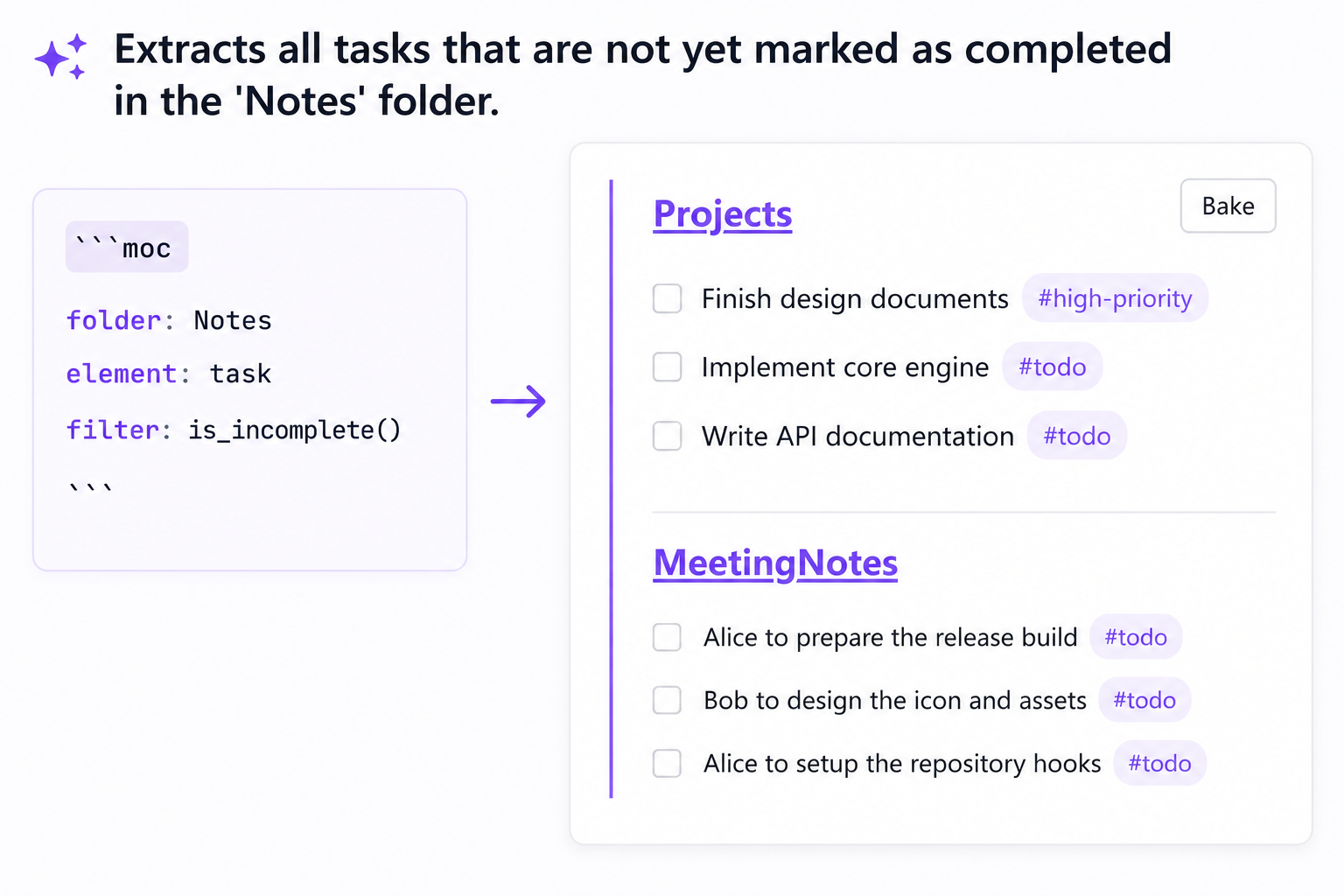
The Bake to Markdown feature allows you to freeze dynamic moc query blocks, replacing them permanently with their rendered static Markdown equivalent.
How It Works
When a note containing a moc block is rendered in Reading/Preview mode:
- Hover over the rendered Map of Content block.
- A Bake button will appear at the top-right corner of the block container.
- Click Bake. The plugin will search for the source
mocblock inside your active note and replace it with the compiled Markdown list of extracted elements.
[!WARNING] Baking is a destructive action. Once baked, the static Markdown list will no longer automatically update when you modify other notes in your vault. If you need to regenerate the block, you will have to recreate the
mocquery block.
When to Bake
Baking is especially helpful in the following scenarios:
1. Sharing and Exporting
Obsidian Map of Content blocks rely on this plugin to render. If you export your notes to HTML, PDF, or share them with others who don't have the plugin installed (e.g. via Obsidian Publish or Git), the moc block will render as a raw code block. Baking converts the content to standard markdown so it displays correctly anywhere.
2. Weekly / Monthly Summaries
If you use MOC blocks to pull all tasks or headings created during a specific week (using the cday grouping option), baking allows you to "freeze" that snapshot in time, archiving the state of your vault at that moment.
3. Performance Optimization
If you have a large vault with hundreds of markdown files, rendering many complex, recursive MOC blocks on startup can slow down note loading. Baking long-term, finalized MOCs reduces the processing overhead and speeds up Obsidian's performance.